Conversations are the fastest way to work in TrueState. You can ask an agent to analyse datasets, inspect dashboards, write reports, create charts, reason about pipelines, or help turn an idea into a reusable asset.
Start a conversation
Open Conversations from the sidebar or use the main chat surface. The agent can search for relevant assets, but you will usually get better results if you attach the most important context yourself.
Use the add-context control in the message composer to attach assets such as:
- Datasets
- Dashboards
- Reports
- Pipelines
- Documents
- Models
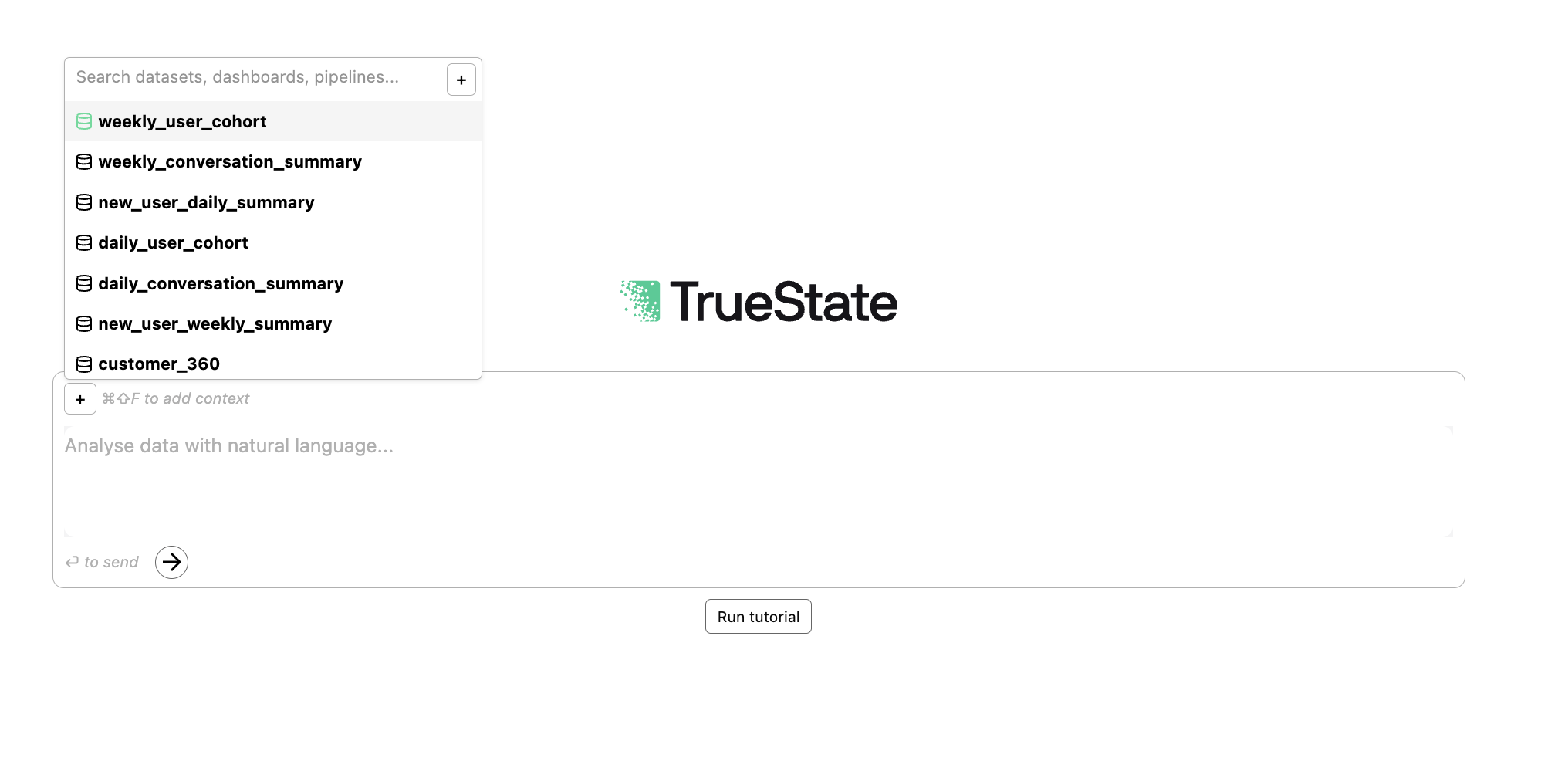
Then write the request in plain language:
Compare revenue performance by segment over the last two quarters. Show the main changes, include a chart if useful, and explain what the commercial team should investigate next.
What the agent can do
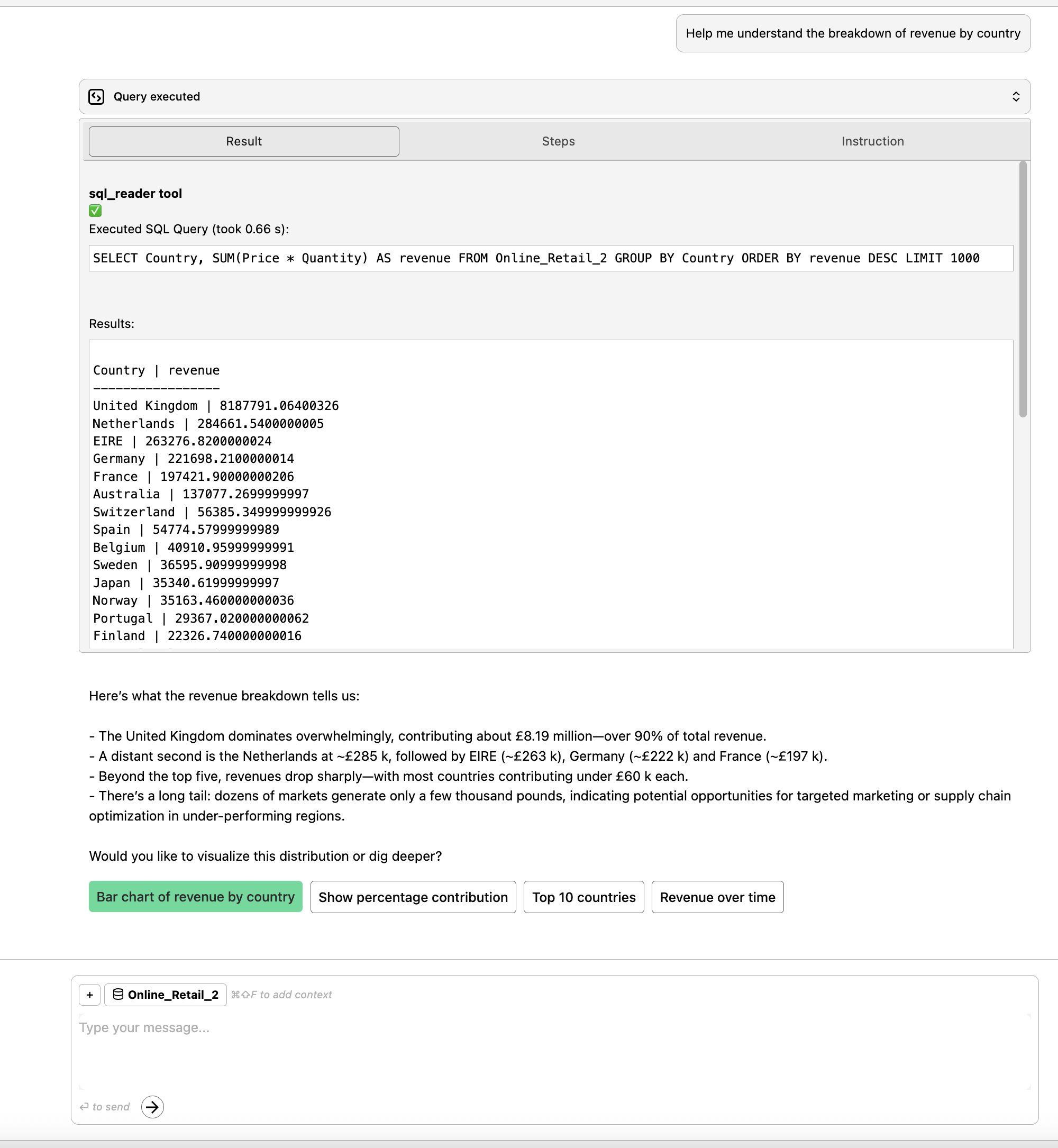
Query data
The agent can write and run SQL against datasets to answer specific questions.
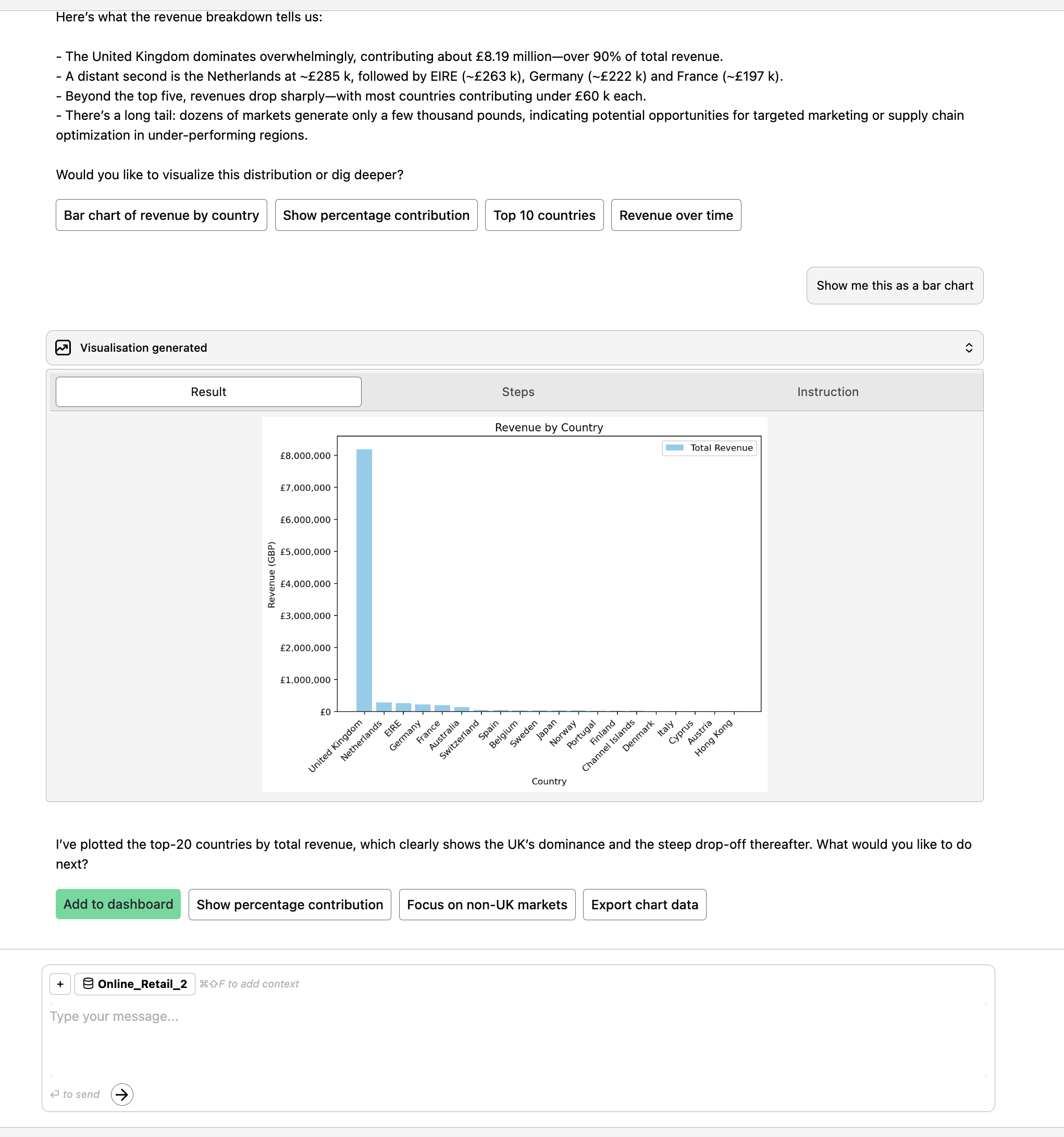
Create visualisations
The agent can generate charts and explain what they show.
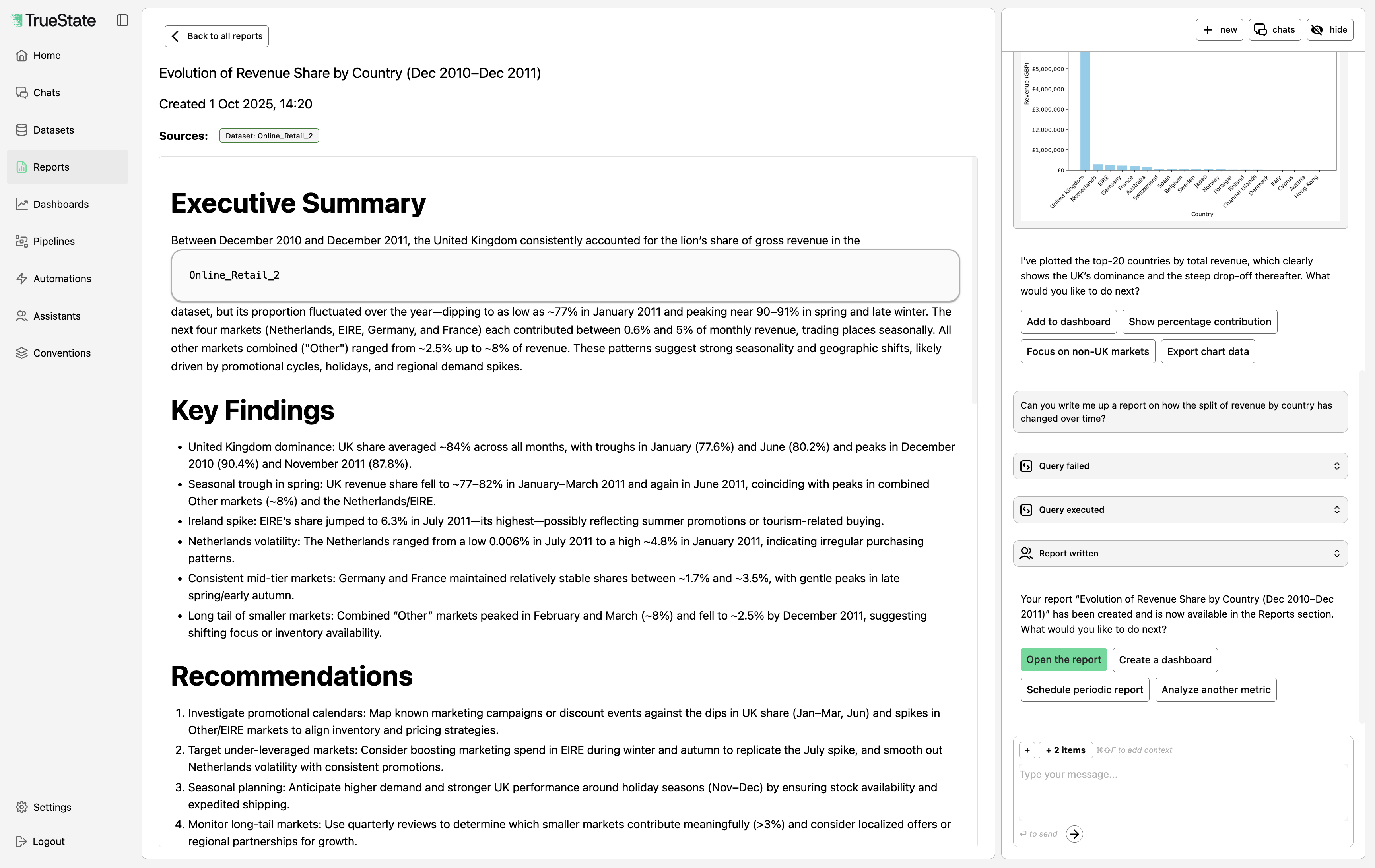
Draft reports
The agent can turn analysis into structured commentary or a report draft for less technical audiences.
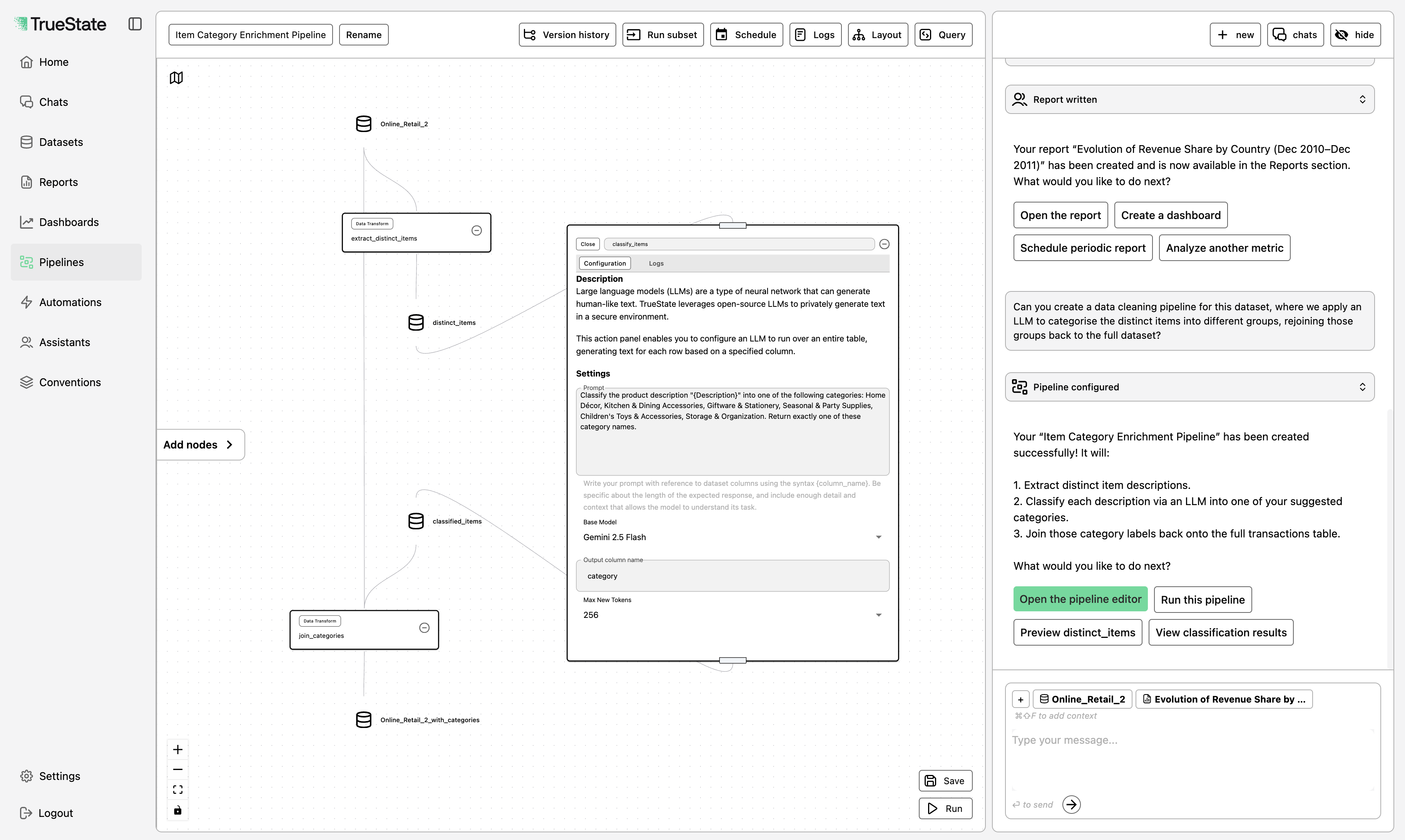
Build or inspect pipelines
For repeatable transformations, enrichment, modelling, or data preparation, the agent can help create and inspect pipelines.
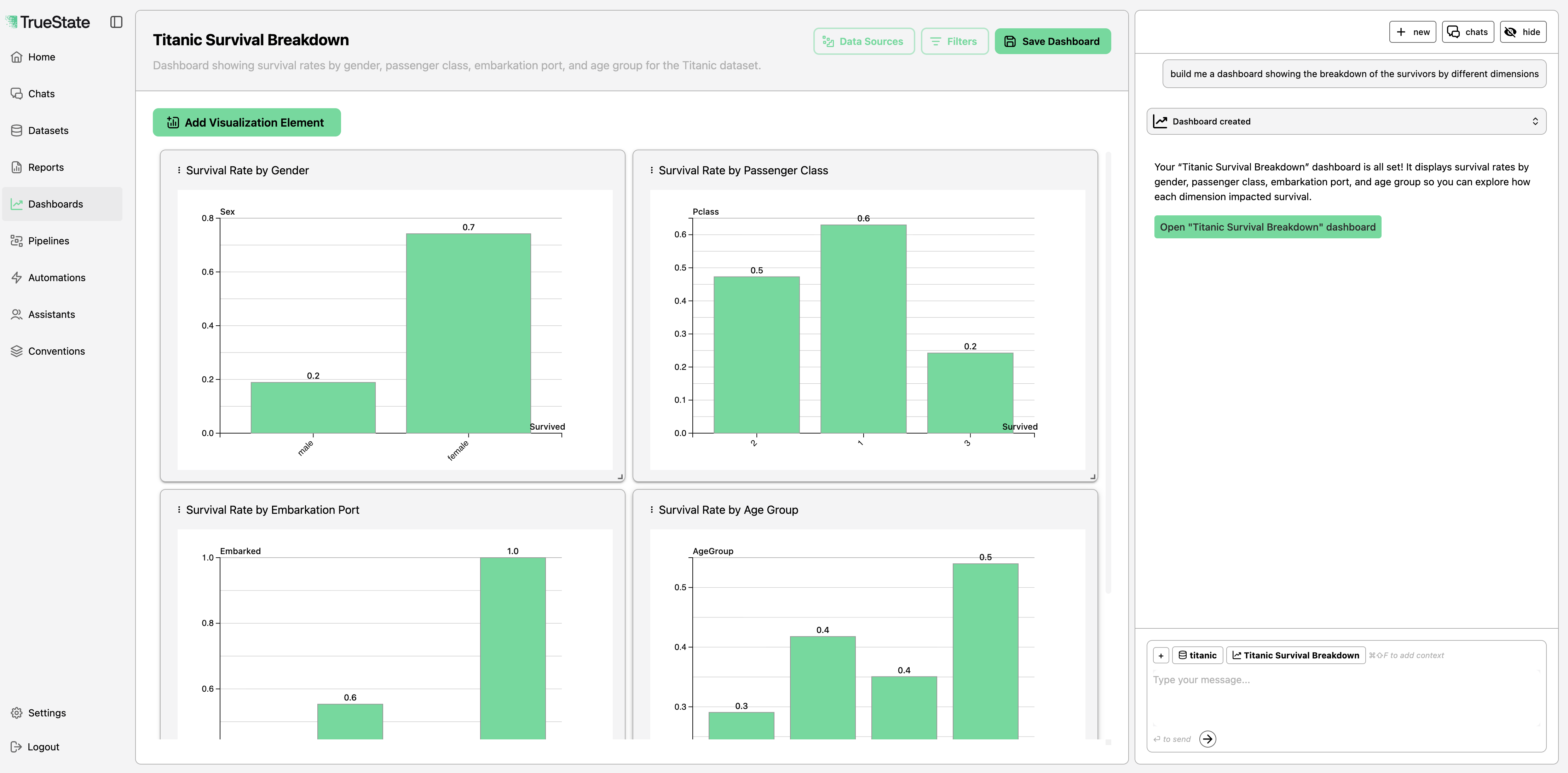
Work with dashboards
The agent can help build dashboards and answer questions about dashboard contents and underlying data.
Prompting tips
- Name the business decision or audience.
- Attach the dataset or asset you expect the agent to use.
- Ask for a specific output shape: bullets, chart, report section, table, or action list.
- Ask follow-up questions in the same conversation so the agent can keep the thread context.
- Move durable knowledge into Agent → Context when it should be remembered beyond the conversation.
When to use Jobs instead
Use a conversation for exploratory or collaborative work. Use Agent → Jobs when the instruction should be reused, run later, or run on a schedule.